Last updated: June 28, 2026
Our Privacy Policy
Welcome to the Grassroots Justice Network website (grassrootsjusticenetwork.org) (the “Site”) and the Grassroots Justice Network Academy (academy.grassrootsjusticenetwork.org) (the “Academy”), operated by Namati, Inc., a Delaware corporation (“Namati”, “we”, “us” or “our”). We share your concern about the protection of your personal information online.
This privacy policy (“Policy”) describes how we collect, use, disclose, store, and protect the personal information we collect online in connection with the Site and the Grassroots Justice Network Academy (the “Academy”). Our processing of personal data of individuals located in the European Economic Area (EEA) is governed by the EU General Data Protection Regulation 2016/679 (“EU GDPR”), and for individuals in the United Kingdom by the UK GDPR and the UK Data Protection Act 2018. Namati acts as the data controller for personal information processed through the Site and the Academy. For information about how to contact us or exercise your privacy rights, please see the section entitled “Your Rights Under the Policy.”
When the Policy Applies
This Policy describes our privacy practices and sets out your obligations and ours with respect to your use of the Site and the Academy. This Policy applies only to the Site and the Academy, and does not necessarily apply to our offline collection of information.
By using the Site and the Academy, you agree to abide by the terms of this Policy and the terms of use (the “Terms”) and you consent to our using any information that you provide to us or that we collect, in accordance with the terms of use and the terms and conditions of this policy. If you do not agree to this policy and the terms, do not use the site.
Use of the Grassroots Justice Network Academy
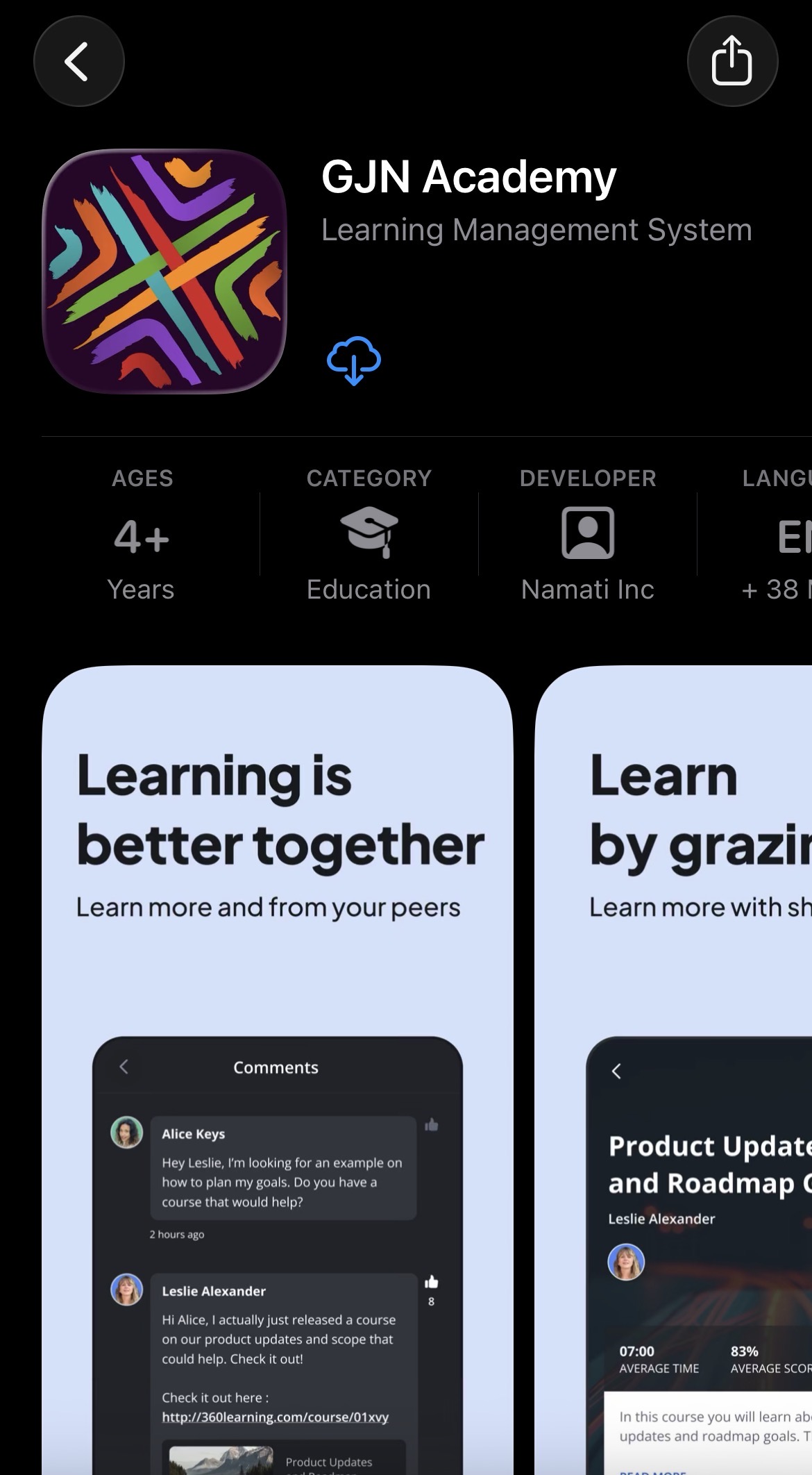
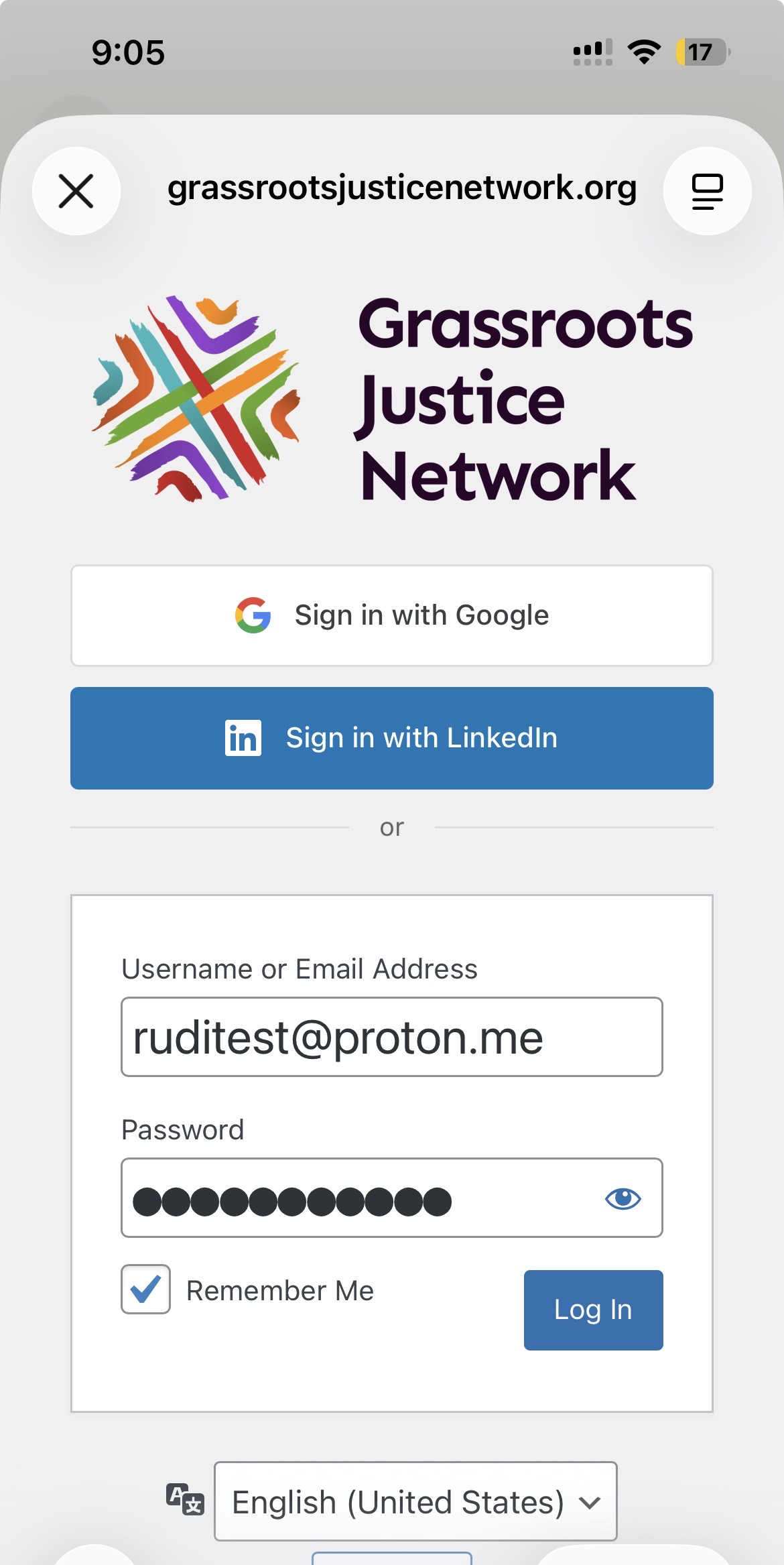
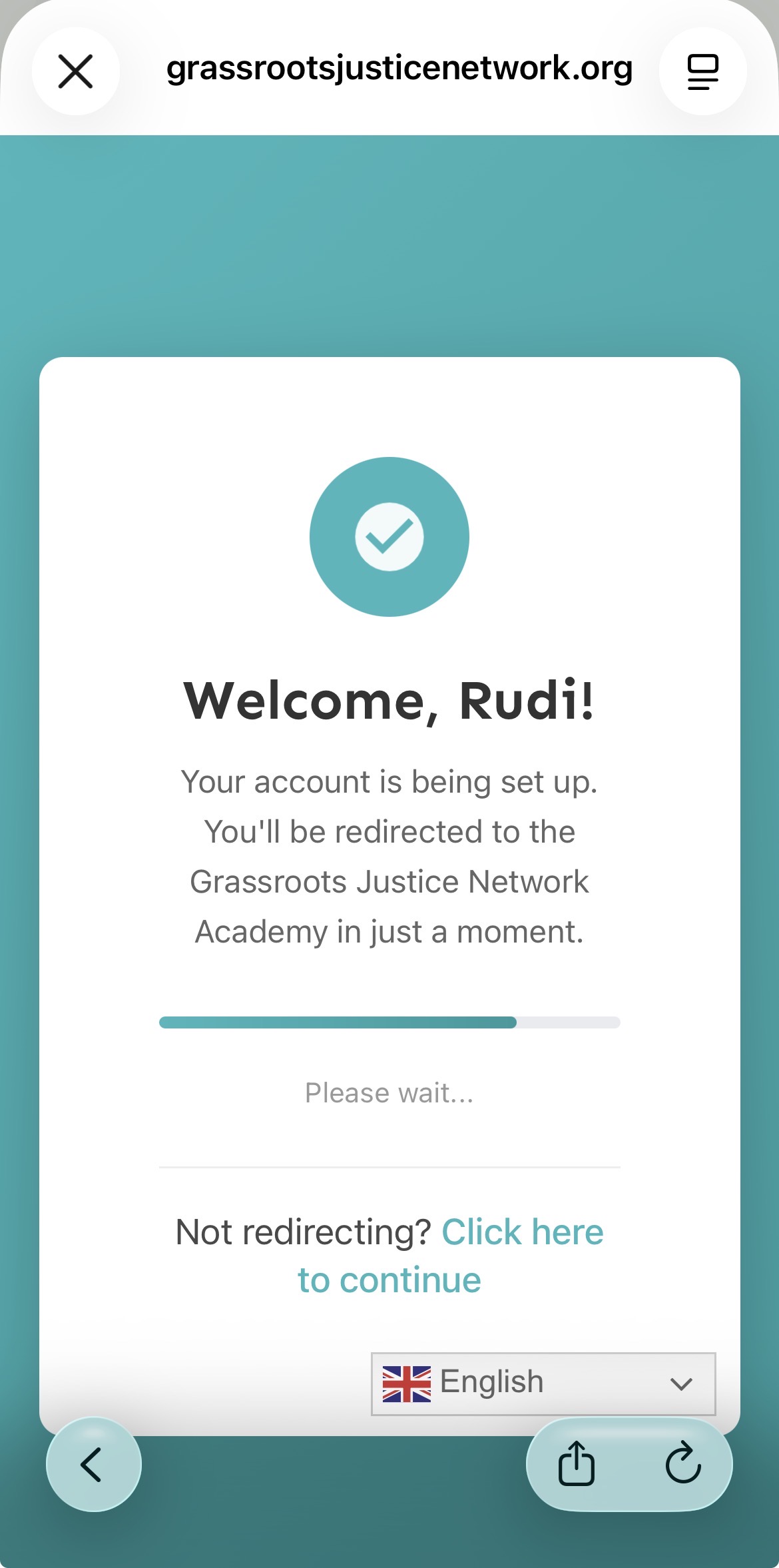
The Grassroots Justice Network Academy is delivered through the 360Learning learning management system (“360Learning”). Namati remains the data controller for all personal information collected and processed through the Academy. 360Learning processes personal information on Namati’s behalf as our data sub-processor, and only in accordance with our instructions and applicable data protection laws.
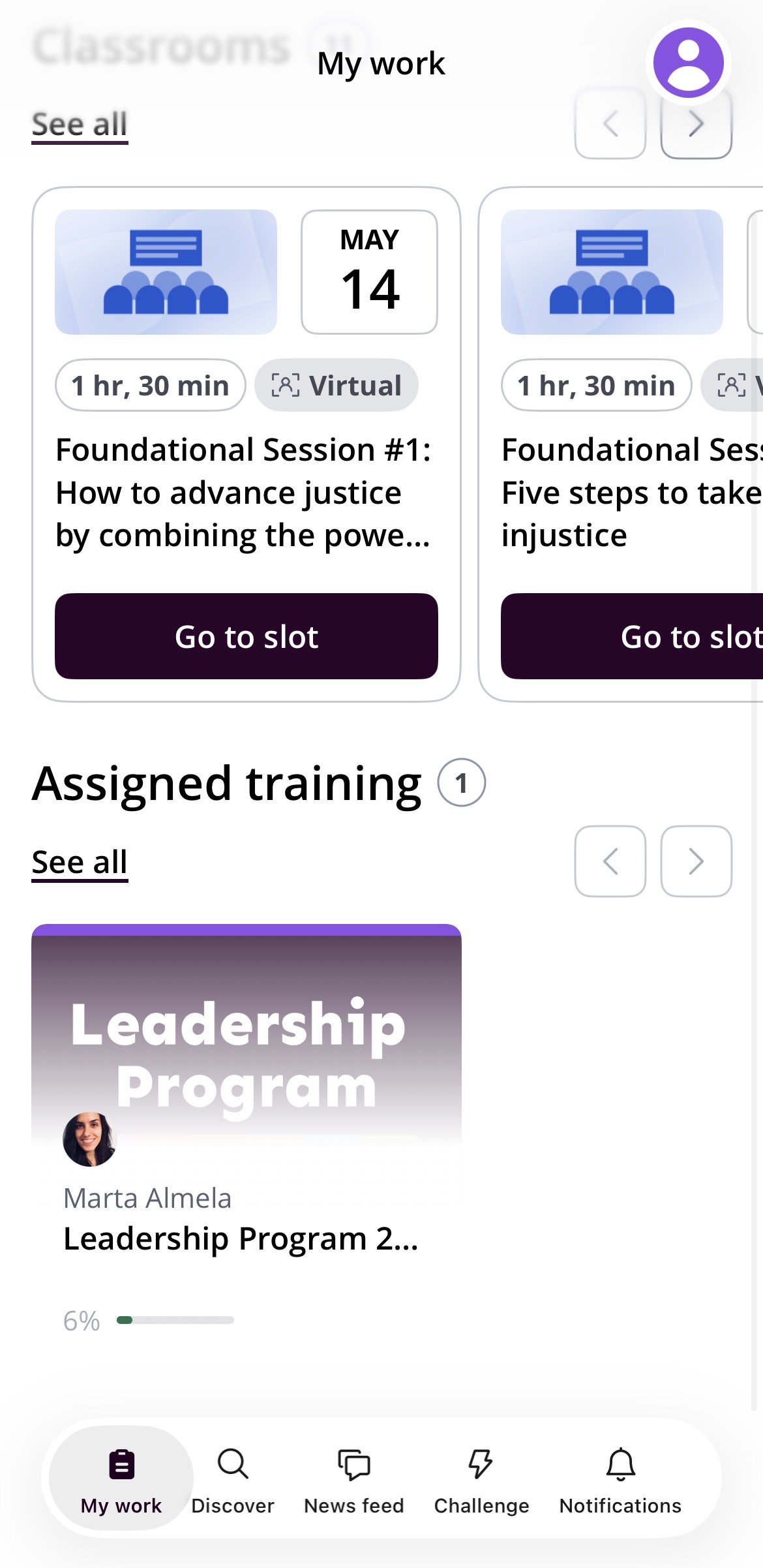
The Academy enables users to participate in online learning activities, including courses, learning paths, assessments, certificates, discussion forums, and live learning events. To provide these services, personal information is processed through the Academy platform. This may include your name, email address, organization, login information, IP address, learning progress, assessment responses and results, certificates earned, discussion forum contributions, and other information you voluntarily submit while participating in Academy activities.
We have entered into appropriate contractual arrangements with 360Learning, including a Data Processing Agreement, to ensure that personal information processed through the Academy is protected in accordance with applicable data protection laws.
Because collaborative learning is central to the Academy experience, please be aware that personal information you share within the platform — including contributions to discussion forums, responses to course activities, assessment results where rankings are displayed, and other content you submit within shared learning spaces — may be visible to other enrolled learners. You should exercise discretion about what personal information you share in these collaborative spaces.
Information We Collect and Track
Namati may collect and retain two types of information about users of the Site and the Academy: (i) personal information that individual visitors voluntarily provide when interacting on the Site or on certain other occasions (such as via forms or in emails); and (ii) tracking data, which is data that is automatically collected from every Site visitor as they use and browse the site.
Information that You Submit
We may, from time to time, store and archive the information you submit to or through the Site or the Academy. The information that we gather may include your name, title and address, telephone number, email address, credit card number or other elements of personal information. In addition, if you contact us, we may keep a record of your correspondence, including any information contained therein.
You may decline to provide any personal information, but please realize that you thereby may be unable to register or to participate in activities or services offered on the Site and/or Academy.
When you participate in the Academy, we may also collect and retain information relating to your learning activities. This may include your course enrollments, learning progress, quiz and assessment responses, certificates earned, attendance at live learning sessions, discussion forum posts, comments, and other information that you voluntarily submit as part of your participation in Academy activities.
Information that We Collect
In addition to the information you submit to or through the Site or the Academy, we also may collect and store data from and about you gathered in the course of your use of the Site or the Academy. We call this “tracking data.”
Such tracking data may include, but is not limited to, information regarding the number and frequency of visits to the Site and the Academy, the websites that you access before and after visiting our platforms, the software and operating system used to access our services, browser and device information, IP address, Internet service provider, login activity, and technical information relating to your use of learning resources and Academy features.
AI-Assisted Features
The Academy may include optional AI-assisted features provided through the 360Learning platform to support the learning experience. Where these features are used, user prompts and related content may be processed through Microsoft’s Azure OpenAI Service solely for the purpose of providing the requested functionality.
Personal information submitted through these AI-assisted features is not used to train or improve public AI models operated by Microsoft, OpenAI, or other third parties. Use of these features is optional, and additional information regarding 360Learning’s AI practices is available in 360Learning’s AI Data Usage Policy at https://support.360learning.com/hc/en-us/articles/17562881836564.
How We Use Your Information
The information that you provide to us and that we may collect in the future is used for our legitimate interests and the purpose for which you provided it only, subject to the terms of this Policy and the Terms.
Our use of your Information involves various forms of communication with you, including:
- responding to your requests or correspondence;
- contacting you about the Site and the Academy;
- requesting your input regarding ways in which we might improve the Site and the Academy
- informing you about Namati and the Grassroots Justice Network’s activities, products, services, events and fundraising efforts in which we hope you may be interested;
- notifying you about posts and other activity on the Site and the Academy;
- resetting your password and helping to keep your account secure;
- delivering online learning programs, courses, learning paths, and other educational activities through the Academy;
- tracking course participation, learning progress, assessment completion, and certificates earned;
- providing learner support and responding to Academy-related enquiries;
- improving Academy content, learning experiences, accessibility, and platform performance;
- recommending learning opportunities and educational content that may be relevant to your interests;
- contacting you in special circumstances related to your account; and
- contacting you about legal requests, such as a request to remove content that infringes on copyright laws.
Legal Basis for Processing
Depending on the circumstances, we process your personal information on one or more of the following legal bases:
- To perform our agreement with you, including providing access to the Site and Academy;
- To pursue our legitimate interests in operating, securing, administering, and improving our services;
- Where you have provided your consent, including where required for certain cookies or marketing communications; and
- To comply with applicable legal obligations.
Third Parties and Your Information
We will not disclose any personal information to third parties, except:
- to parties who perform a service for us, such as sending you mail or email, web hosting, credit card processing and other similar services;
- to donors who enquire about potential grantees;
- when you have requested or authorized the disclosure of such information;
- when we believe that such disclosure is required by law;
- to enforce this Policy or the Terms;
- to protect the rights, property, security or safety of Namati, Site users or the public;
- to respond to an emergency; or
- as otherwise stated in this Policy.
Information provided to third parties is limited to the information needed to perform their functions. We seek to limit third-party use of information and our service providers have entered into contracts with us that restrict what they can do with your personal information. If you would like specific information about our service providers who have received your information, please contact us at privacy@namati.org and we will provide that information to you.
We also engage third-party service providers to operate and support the Academy and related services. These providers perform functions such as cloud hosting, learning management, video hosting, customer relationship management, analytics, user experience analytics, accessibility, security, and content delivery. They are only permitted to process personal information on our behalf and in accordance with our instructions and applicable contractual obligations.
Where 360Learning engages third-party sub-processors to support the delivery of the Academy, it does so under contractual obligations consistent with those that govern our relationship with 360Learning. A current list of 360Learning’s authorized sub-processors is available through its publicly available technical documentation.”
We retain the right to transfer or assign all information pursuant to a merger, purchase or other transaction relating to Namati or our assets.
The current cookies used on the Site include:
| COOKIE NAME |
PROVIDER |
CATEGORY |
DURATION |
DESCRIPTION |
| __cf_bm |
hsforms.com |
Necessary |
30 minutes |
Cloudflare’s bot products identify and mitigate automated traffic to protect your site from bad bots. Cloudflare places the __cf_bm cookie on End User devices that access Customer sites that are protected by Bot Management or Bot Fight Mode. The __cf_bm cookie is necessary for the proper functioning of these bot solutions. |
| __cf_bm |
vimeo.com |
Necessary |
30 minutes |
Cloudflare’s bot products identify and mitigate automated traffic to protect your site from bad bots. Cloudflare places the __cf_bm cookie on End User devices that access Customer sites that are protected by Bot Management or Bot Fight Mode. The __cf_bm cookie is necessary for the proper functioning of these bot solutions. |
| __cf_bm |
linkedin.com |
Necessary |
Session |
Cloudflare’s bot products identify and mitigate automated traffic to protect your site from bad bots. Cloudflare places the __cf_bm cookie on End User devices that access Customer sites that are protected by Bot Management or Bot Fight Mode. The __cf_bm cookie is necessary for the proper functioning of these bot solutions. |
| __cf_bm |
hs-banner.com |
Necessary |
Session |
Cloudflare’s bot products identify and mitigate automated traffic to protect your site from bad bots. Cloudflare places the __cf_bm cookie on End User devices that access Customer sites that are protected by Bot Management or Bot Fight Mode. The __cf_bm cookie is necessary for the proper functioning of these bot solutions. |
| __cf_bm |
hs-scripts.com |
Necessary |
Session |
Cloudflare’s bot products identify and mitigate automated traffic to protect your site from bad bots. Cloudflare places the __cf_bm cookie on End User devices that access Customer sites that are protected by Bot Management or Bot Fight Mode. The __cf_bm cookie is necessary for the proper functioning of these bot solutions. |
| __cf_bm |
grassrootsjusticenetwork.org |
Necessary |
30 minutes |
Cloudflare’s bot products identify and mitigate automated traffic to protect your site from bad bots. Cloudflare places the __cf_bm cookie on End User devices that access Customer sites that are protected by Bot Management or Bot Fight Mode. The __cf_bm cookie is necessary for the proper functioning of these bot solutions. |
| __cf_bm |
hs-analytics.net |
Necessary |
Session |
Cloudflare’s bot products identify and mitigate automated traffic to protect your site from bad bots. Cloudflare places the __cf_bm cookie on End User devices that access Customer sites that are protected by Bot Management or Bot Fight Mode. The __cf_bm cookie is necessary for the proper functioning of these bot solutions. |
| __hs_cookie_cat_pref |
grassrootsjusticenetwork.org |
Necessary |
6 months |
The HubSpot Cookie Banner’s consent preferences cookie. |
| __hs_do_not_track |
grassrootsjusticenetwork.org |
Necessary |
6 months |
Prevents the tracking code from sending any information to HubSpot. |
| __hssc |
grassrootsjusticenetwork.org |
Analytics |
30 minutes |
Analytics session cookie. |
| __hssrc |
grassrootsjusticenetwork.org |
Analytics |
Session |
Used to determine if a session is a new session. |
| __hstc |
grassrootsjusticenetwork.org |
Analytics |
6 months |
Analytics tracking cookie. |
| __Secure-ROLLOUT_TOKEN |
youtube.com |
Unknown |
Session |
|
| __Secure-YNID |
youtube.com |
Unknown |
Session |
|
| _cfuvid |
vimeo.com |
Necessary |
Session |
This cookie is used to apply rate limits to traffic. It allows the Cloudflare WAF to distinguish individual users who share the same IP address. |
| _ga |
grassrootsjusticenetwork.org |
Analytics |
1 year |
ID used to identify users. |
| _ga_W3R156NSLL |
grassrootsjusticenetwork.org |
Analytics |
1 year |
Used to persist session state. |
| _gcl_au |
grassrootsjusticenetwork.org |
Advertisement |
3 months |
Used by Google AdSense for experimenting with advertisement efficiency across websites using their services. |
| _hjSession_6366597 |
grassrootsjusticenetwork.org |
Unknown |
Session |
|
| _hjSessionUser_6366597 |
grassrootsjusticenetwork.org |
Unknown |
Session |
|
| AnalyticsSyncHistory |
linkedin.com |
Functionality |
1 month |
Used to store information about the time a sync with the lms_analytics cookie took place for users in the Designated Countries. |
| bcookie |
linkedin.com |
Advertisement |
1 year |
Used by LinkedIn to track the use of embedded services. |
| bscookie |
linkedin.com |
Advertisement |
1 year |
Used by LinkedIn to track the use of embedded services. |
| cf_clearance |
grassrootsjusticenetwork.org |
Unknown |
Session |
|
| cookietest |
grassrootsjusticenetwork.org |
Unknown |
Session |
|
| googtrans |
grassrootsjusticenetwork.org |
Unknown |
Session |
|
| hubspotutk |
grassrootsjusticenetwork.org |
Analytics |
6 months |
Contains visitor’s identity. |
| li_sugr |
linkedin.com |
Analytics |
3 months |
Used to make a probabilistic match of a user’s identity outside the Designated Countries. |
| lidc |
linkedin.com |
Advertisement |
1 day |
Used by the social networking service, LinkedIn, for tracking the use of embedded services. |
| NID |
google.com |
Advertisement |
6 months |
This cookie is used to collect website statistics and track conversion rates and Google ad personalisation. |
| sp_landing |
spotify.com |
Functionality |
Session |
Required to ensure the functionality of the integrated Spotify plugin. This does not result in any cross-site functionality. |
| sp_t |
spotify.com |
Functionality |
Session |
Required to ensure the functionality of the integrated Spotify plugin. This does not result in any cross-site functionality. |
| UserMatchHistory |
linkedin.com |
Advertisement |
1 month |
These cookies are set by LinkedIn for advertising purposes, including: tracking visitors so that more relevant ads can be presented, allowing users to use the ‘Apply with LinkedIn’ or the ‘Sign-in with LinkedIn’ functions, collecting information about how visitors use the site, etc. |
| VISITOR_INFO1_LIVE |
youtube.com |
Advertisement |
6 months |
Tries to estimate the users’ bandwidth on pages with integrated YouTube videos. |
| VISITOR_PRIVACY_METADATA |
youtube.com |
Unknown |
Session |
|
| vuid |
vimeo.com |
Analytics |
1 year |
This first party cookie created by Vimeo is used to assign a Vimeo Analytics unique id. |
| YSC |
youtube.com |
Functionality |
Session |
Registers a unique ID to keep statistics of what videos from YouTube the user has seen. |
For Academy services delivered through 360Learning, a current list of 360Learning’s authorized sub-processors is maintained by 360Learning and is available through its publicly available technical documentation.
How Long Your Information is Stored
Personal information submitted through your Site or Academy account is retained only for as long as necessary to fulfil the purposes for which it was collected, including providing our services, complying with legal obligations, resolving disputes, and enforcing our agreements.
In general:
- Website and member account information is retained until your account is deleted, unless a longer retention period is required by law.
- Academy learning records, including enrollments, course progress, assessments, certificates, and participation history, are retained for as long as necessary to administer learning programs and maintain appropriate educational records.
- Operational platform data may be retained for a limited period following termination of our agreement with our service providers for security, backup, and disaster recovery purposes.
- Financial records are retained in accordance with Namati’s data retention policies and applicable legal requirements.
Third-party service providers may retain certain information in accordance with their own legal obligations and contractual commitments to Namati.
Where Your Information is Stored
Your information may be stored and processed in multiple secure environments depending on the services you use.
Information collected through the Site is hosted on infrastructure operated on Namati’s behalf. Information processed through the Academy is hosted by 360Learning on Microsoft Azure cloud infrastructure. Personal information is encrypted both in transit using HTTPS and at rest using AES-256 encryption. 360Learning maintains internationally recognized security certifications, including ISO 27001 and SOC 2 Type II. Appropriate technical and organizational safeguards are implemented to protect personal information, including encryption during transmission and storage where appropriate.
Where personal information is transferred internationally, we implement appropriate safeguards, including Standard Contractual Clauses and other appropriate safeguards where required under applicable data protection laws.
How Your Information is Protected
We have put in place appropriate security measures to prevent your personal data from being accidentally lost, used or accessed in an unauthorized way, altered or disclosed. In addition, we limit access to your personal data to those employees, agents, contractors and other third parties who have a business need to know. They will only process your personal data on our instructions and they are subject to a duty of confidentiality.
We also require our service providers and data processors to implement appropriate technical and organizational security measures to protect personal information. Where applicable, we enter into contractual agreements that require our processors to safeguard personal information in accordance with applicable privacy laws and this Policy.
We have put in place procedures to deal with any suspected personal data breach and will notify you and any applicable regulator of a breach where we are legally required to do so.
You should be aware that information you choose to make publicly available through the Site or the Academy may be visible to other users or visitors. This includes, but is not limited to, Member Directory profiles, discussion forums, comments, collaborative learning activities, course discussions, rankings, case studies, and other content that you voluntarily submit within public or shared areas of our platforms. Because collaboration is an important part of the Academy experience, certain information that you share within courses or learning activities may be visible to other enrolled learners. Namati is not responsible for the use of information that you voluntarily make available in these public or shared areas. For more information regarding user-generated content, please refer to our Terms of Use.
Other Communications
From time to time, we may email users of the Site information regarding important developments affecting Namati. We may also email users regarding the Site or the Academy. Such emails may be sent to users of the Site or the Academy if they have given their consent previously or if they have requested information from us or acquired goods or services from us in the past and have not opted out of receiving marketing communications. You can ask us to stop sending you marketing messages at any time by (i) logging into the website and checking or unchecking relevant boxes to adjust your marketing preferences; or (ii) by following the opt-out links on any marketing message sent to you; or (iii) by contacting us at any time.You may choose to unsubscribe from future emails by using the unsubscribe link included in all mass email correspondence from Namati.
Referrals
If a user elects to use our referral service to inform a friend about the Site and the Academy, we request the name and email address of the friend. Namati will automatically send the friend a one-time email inviting the friend to visit the Site or the Academy. Namati stores this information for the sole purpose of sending this one-time email, and, while a third-party mail service provider may retain the information in its database, no additional emails will be sent by Namati without further action by the friend.
Links to Third-Party Websites
The Site and the Academy may contain links to websites owned and operated by other parties. We are not responsible for and have no control over the privacy policies of those sites. We encourage you to review the privacy policies and terms of use of those sites prior to providing them with any information.
Cookies
Namati uses cookies. Cookies are small pieces of information that a website transfers to your computer’s hard drive for record-keeping purposes and may have unique identifiers and transmit information about you and how you use the Site. Such information may include your search preferences, your browser type and the date and time of use. If you choose, you can disable some (but not all) Cookies in your device or browser settings, but doing so may affect your ability to use the Site or the Academy.
Namati permits certain third-party service providers to set cookies and similar technologies to support the functionality, security, performance, and analytics of the Site and the Academy. These providers may include, but are not limited to, 360Learning, Cloudflare, Google, Vimeo, Facebook, HubSpot, Hotjar, and other service providers that support our platforms. Users are encouraged to review the privacy policies of these third parties for additional information about their data practices.
Children
Namati is concerned about the privacy protection of children who access the Internet and this website is not intended for children and we do not knowingly collect data relating to children. Accordingly, the Site and the Academy are not intended for use by anyone under the age of 16, and we do not knowingly collect information from anyone under 16 years of age without the consent of a parent or guardian.
Compliance with Laws
We reserve the right to disclose any information to comply with any law, regulation, decree, judgment, order, subpoena or any other governmental order (“Order”) without any obligation to contest or verify the accuracy of such Order.
Applicable Laws
This Policy will be governed by and construed in accordance with the laws of the State of New York, without regard to any principles of conflicts of law. You agree that any action at law or in equity that arises out of or relates to any use of the Site may be filed:
- if you reside in the EEA, in the courts of the EEA Member State in which you are a resident
- if you reside in the United Kingdom, in the courts of the United Kingdom
The section titles in this Policy are for convenience only and have no legal or contractual effect. The Site and the Academy, and any third-party services they use, may be subject to additional terms and conditions regarding privacy and use of information. Your use of the Site and the Academy is subject to those terms and conditions, which are incorporated into this Policy by reference. In the event of an inconsistency between this Policy and any additional posted conditions, the provisions of the additional conditions shall control.
Changes to the Policy
We may need to change the Policy from time to time in order to address new issues and to reflect changes on the Site or in the law. We reserve the right to revise or make any changes to the Policy, and your continued use of the Site subsequent to any changes to this Policy will mean that you agree to and accept such changes. You can tell if the Policy has been updated by checking the last revised date posted on the top of this page. Historic versions can be obtained by contacting us at privacy@namati.org
Your Rights Under the Policy
You can access, update, correct, or remove certain personal information directly through your Site profile, or Academy profile, where applicable. You may also contact us at any time to exercise your rights under applicable data protection laws or to raise any questions regarding this Policy.
You can also access, remove, update or correct your information, and raise any questions or concerns regarding the Site or the Policy, by emailing privacy@namati.org, or mailing:
Namati Data Protection Officer
1616 P Street NW,
Suite 101 Washington,
DC 20036, USA
It is important that the personal data we hold about you is accurate and current. Please keep us informed if your personal data changes during your relationship with us.
Your Legal Rights
You have the right to:
Request access to your personal data (commonly known as a “data subject access request”). This enables you to receive a copy of the personal data we hold about you and to check that we are lawfully processing it.
Request correction of the personal data that we hold about you. This enables you to have any incomplete or inaccurate data we hold about you corrected, though we may need to verify the accuracy of the new data you provide to us.
Request erasure of your personal data. This enables you to ask us to delete or remove personal data where there is no good reason for us continuing to process it. You also have the right to ask us to delete or remove your personal data where you have successfully exercised your right to object to processing (see below), where we may have processed your information unlawfully or where we are required to erase your personal data to comply with local law. Note, however, that we may not always be able to comply with your request of erasure for specific legal reasons which will be notified to you, if applicable, at the time of your request.
Object to processing of your personal data where we are relying on a legitimate interest (or those of a third party) and there is something about your particular situation which makes you want to object to processing on this ground as you feel it has an impact on your fundamental rights and freedoms. You also have the right to object where we are processing your personal data for direct marketing purposes. In some cases, we may demonstrate that we have compelling legitimate grounds to process your information which override your rights and freedoms.
Request restriction of processing of your personal data. This enables you to ask us to suspend the processing of your personal data in the following scenarios:
- If you want us to establish the data’s accuracy.
- Where our use of the data is unlawful but you do not want us to erase it.
- Where you need us to hold the data even if we no longer require it as you need it to establish, exercise or defend legal claims.
- You have objected to our use of your data but we need to verify whether we have overriding legitimate grounds to use it.
Request the transfer of your personal data to you or to a third party. We will provide to you, or a third party you have chosen, your personal data in a structured, commonly used, machine-readable format. Note that this right only applies to automated information which you initially provided consent for us to use or where we used the information to perform a contract with you.
Withdraw consent at any time where we are relying on consent to process your personal data. However, this will not affect the lawfulness of any processing carried out before you withdraw your consent. If you withdraw your consent, we may not be able to provide certain products or services to you. We will advise you if this is the case at the time you withdraw your consent.
No fee usually required
You will not have to pay a fee to access your personal data (or to exercise any of the other rights). However, we may charge a reasonable fee if your request is clearly unfounded, repetitive or excessive. Alternatively, we could refuse to comply with your request in these circumstances.
What we may need from you
We may need to request specific information from you to help us confirm your identity and ensure your right to access your personal data (or to exercise any of your other rights). This is a security measure to ensure that personal data is not disclosed to any person who has no right to receive it. We may also contact you to ask you for further information in relation to your request to speed up our response.
Time limit to respond
We try to respond to all legitimate requests within one month. Occasionally it could take us longer than a month if your request is particularly complex or you have made a number of requests. In this case, we will notify you and keep you updated.
If you live in an EEA Member State, all of which have adopted the EU GDPR and national , you have a right to lodge a complaint with your relevant supervisory authority about this policy and its application. The European Commission has a list of EU national data protection authorities here:
http://ec.europa.eu/justice/article-29/structure/dataprotectionauthorities/index_en.htm
If you live in the United Kingdom, you have a right to lodge a complaint with your relevant supervisory authority, the ICO, about this policy and its application:
https://ico.org.uk/make-a-complaint/